A display counter can attract attention while slowing service, hiding premium products, or leaving food outside its safe holding range. By matching the case design, layout, temperature system and cleaning routine to your menu and sales pattern, you can improve what customers see and how quickly staff serve them.
Key takeaways
- Place familiar, lower-priced products at the start of the customer path.
- Keep premium products at eye level and quick add-ons beside the cashier.
- Specify capacity and temperature for the food you actually sell.
- Test access, visibility, cleaning and service speed before buying.
Design the display around customer movement and product choice
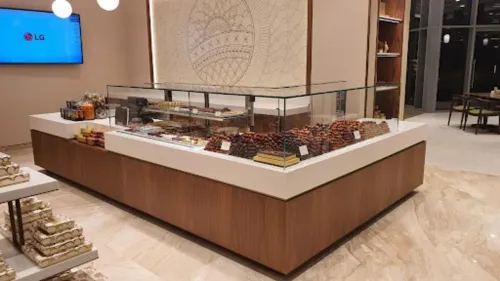
Arrange the display in the order customers make decisions: familiar, lower-priced items first; premium products at eye level; and quick add-ons beside the cashier. This creates a clear path for customer browsing, improves food presentation and lets people compare product selection by price and category without stopping in front of every tray.
Use the display to control movement, not merely to hold stock.
- Keep one product category per visible section, with labels facing the queue.
- Put best sellers and high-frequency items within the easiest reach for staff.
- Place impulse items, such as drinks or packaged desserts, near the payment point.
- Leave a continuous sightline from the queue to the cashier; tall containers and overloaded shelves create hesitation and blind spots.
- Refill from the staff side where possible, and position the food shield so customers cannot reach exposed food during normal movement.
The right arrangement depends on how customers approach and how staff serve:
| Format | Strength for product choice | Counter-operations trade-off |
|---|---|---|
| Straight-front | Clear category blocks and strong cashier sightlines | Fast replenishment, but less viewing angle from the queue |
| Curved-glass | More products remain visible as customers pass | Attractive presentation, but deeper corners take longer to serve and clean |
| Revolving | Many items fit a compact footprint with easy browsing | Staff must rotate stock and monitor gaps |
| Jewellery-style | Premium products receive focused, eye-level attention | Limited capacity and slower service for large orders |
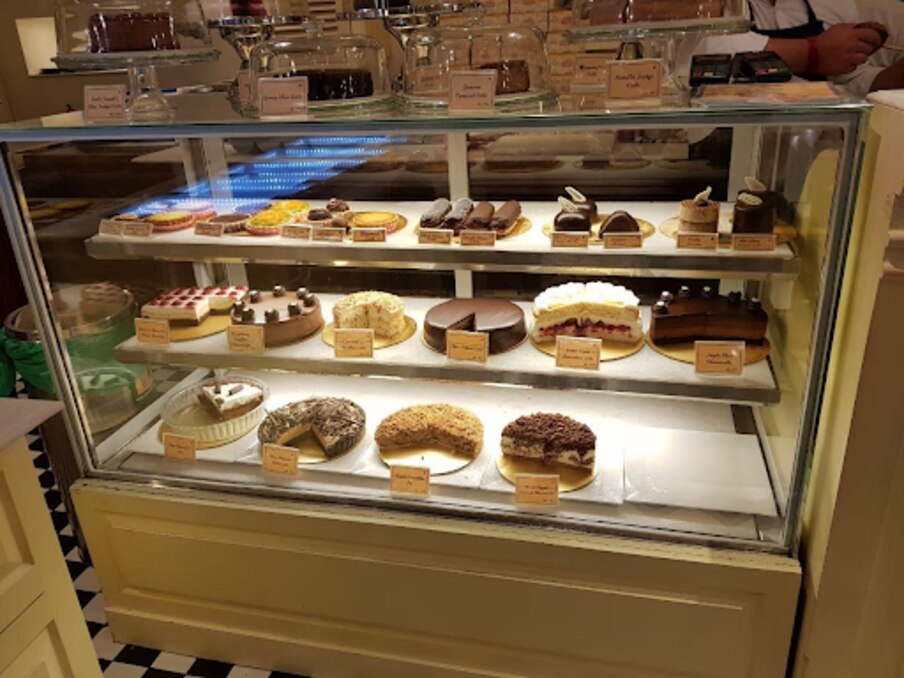
| Bakery counter | Trays present size, price and freshness clearly | Frequent tray access can interrupt the queue |
A display works when customers see the next choice before reaching the cashier.
Match the counter style to access, visibility and service speed
Choose the format by replenishment frequency, customer sightlines and available depth, not by front glass alone.
| Option | Footprint and visibility | Access and service fit |
|---|---|---|
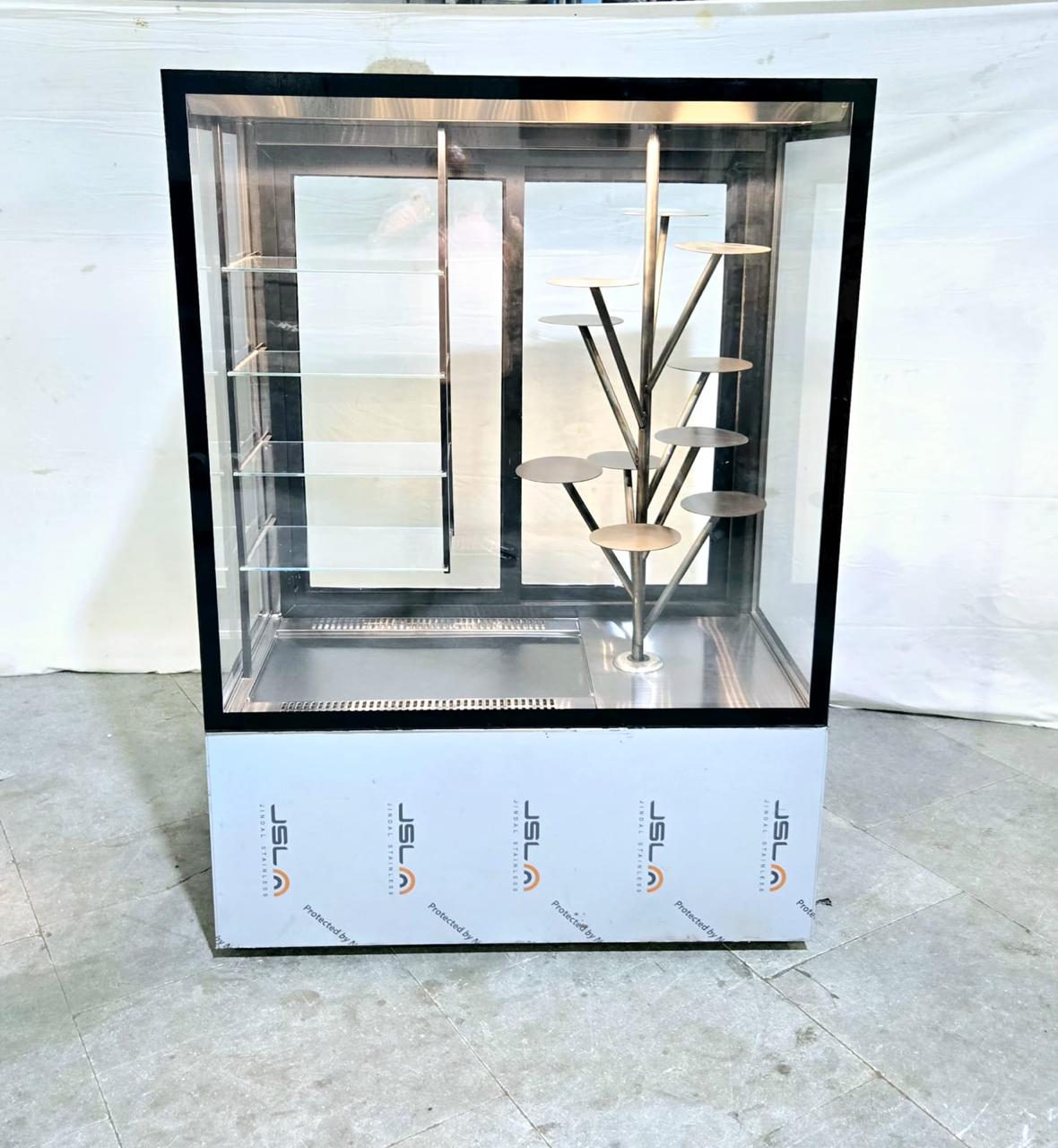
| Revolving display counter | Compact footprint with products visible from several angles | Suits packaged snacks or grab-and-go items when customers self-select; refill it from the rear without blocking the queue |
| Straight-front display | Efficient against a wall or service line, with a clear front view | Suits high-volume cakes, sandwiches and chilled portions; fast pan changes depend on wide rear access |
| Curved-glass display | Strong sightlines across corners and a generous presentation angle | Suits food that benefits from browsing, but curved glass and deeper cases demand more cleaning and can slow reaching |
| Jewellery-style display counter | Narrow, premium-looking format with close-up visibility | Suits pastries, chocolates and small high-margin items; limited capacity makes frequent replenishment necessary |
| Standard bakery counter | Broad shelf area for trays, boxes and varied product sizes | Suits bakeries with predictable rear loading and enough depth for staff movement |
A large case fails operationally when its rear door opens into a prep route or forces staff across the service line. Measure the replenishment path, pan-change time and cleaning access before choosing front capacity.
Match pan depth to sales velocity. Shallow pans support faster product rotation and smaller batches, while deep pans reduce refill frequency but hide stock and slow temperature recovery. Leave room for staff to check the rear corners without moving customers.
Specify capacity and temperature for the food you actually sell
Measure the food before ordering the cabinet. Set display counter dimensions from the number and size of pans, trays or packaged products sold during peak service, then add space for airflow and replenishment.
Shelf spacing must clear the tallest product without forcing staff to tilt trays; counter depth must leave a usable rear access route, not just maximise front-facing capacity.
For chilled food, specify a chilled display temperature 5°C or below at the product, including the warmest position and the centre of a full pan. An accessible probe point, calibrated thermometer and written check routine matter more than a cabinet’s digital air reading.
Deep pans, blocked air paths and frequent door or curtain openings can leave food warm while the display appears compliant.
A hot cabinet holds food; it does not safely reheat it. Reheat cooked, cooled food to 74°C for 15 seconds before loading, then maintain hot food at 60°C or above under Indian catering guidance. A cabinet designed to recover cold food during service will delay orders and damage texture.
Confirm these installation conditions at the actual site:
- Leave the condenser ventilation clearance specified by the manufacturer.
- Provide a stable electrical supply with correctly rated protection.
- Keep the case away from ovens, fryers and other heat-producing equipment.
- Route condensate and drainage to a serviceable outlet.
- Test worst-case product temperatures during loading, replenishment and peak service.
- Check that rear doors, pan changes and cleaning access do not obstruct staff movement.
Build hygiene and cleanability into daily counter work
Ready-to-eat food stays protected when the display separates customers, hands and open product without slowing staff. Fit a food shield high enough to block coughs and reaching, keep trays below its protected edge, and use lids or enclosed doors for foods customers do not need to see.
Build the cleaning route into the counter. Choose stainless steel 304 for wet, salty or frequently washed surfaces; 430 can suit dry external panels, but using it throughout a wash-heavy counter raises staining and corrosion risk.
Specify rounded corners, welded joints, removable pans, accessible door tracks and a drain that staff can reach without dismantling the case.
Make temperature checks faster than guessing from the cabinet display. Provide an accessible probe point, a calibrated food thermometer and a log that records product temperature, not only the thermostat setting. For Indian operations, FSSAI food hygiene guidance uses 5°C or below for chilled food and 60°C or above for hot food.
Set a routine staff can complete during service:
- Check temperatures at opening, during the busiest period and after replenishment; isolate food outside its limit.
- Replenish with clean utensils and small batches through the rear access route; never bury an older pan under a fresh one.
- Wipe spills immediately, wash removable parts to the cleaning schedule, and sign HACCP cleaning records with time and initials.
Use a supplier brief to test the counter before purchase
Put the acceptance test in the supplier brief, not after installation. Require a commercial display equipment specification showing usable shelf dimensions, pan capacity, intended product-temperature class, ventilation clearances, access panels and the relevant NSF/ANSI 7 or NSF/ANSI 2 certification.
1. Measure the site with the supplier: record available width, depth, height, rear access, nearby ovens, sunlight, ventilation and the position of sockets, drains and service panels. Confirm the electrical and drainage requirements, including supply voltage, protective-device rating, condenser clearance, condensate route and drain fall.
2. Draw the replenishment route from preparation storage to the display. Time a pan change, check whether staff cross the customer queue, and verify that rear doors, sliding glass and cleaning points remain accessible during service.
3. Specify food temperature monitoring, not just the cabinet’s digital readout. Ask for accessible probe points, a calibrated food thermometer and a recording sheet; the FDA Food Code requires suitable food-temperature measuring devices, while FSSAI catering guidance uses 5°C or below for chilled food and 60°C or above for hot food.
4. Run a loaded trial at the worst positions: corners, deepest pans, top shelves and areas nearest doors or curtains. Record food or simulated-load temperatures during loading, replenishment and peak opening, because blocked air paths and tightly packed pans can leave the food unsafe while the thermostat displays compliance.
Vinaayak Enterprises can use this brief to distinguish a curved-glass, revolving or standard bakery counter that merely looks suitable from one that staff can replenish, clean and monitor without slowing service. Require the supplier to sign the test results before purchase.
Related products
 | Bakery, Cake & Confectionery Displays Vinaayak Enterprises offers premium-quality Revolving Bakery Display counters designed to provide an attractive and modern presentation for bakery... View product → |
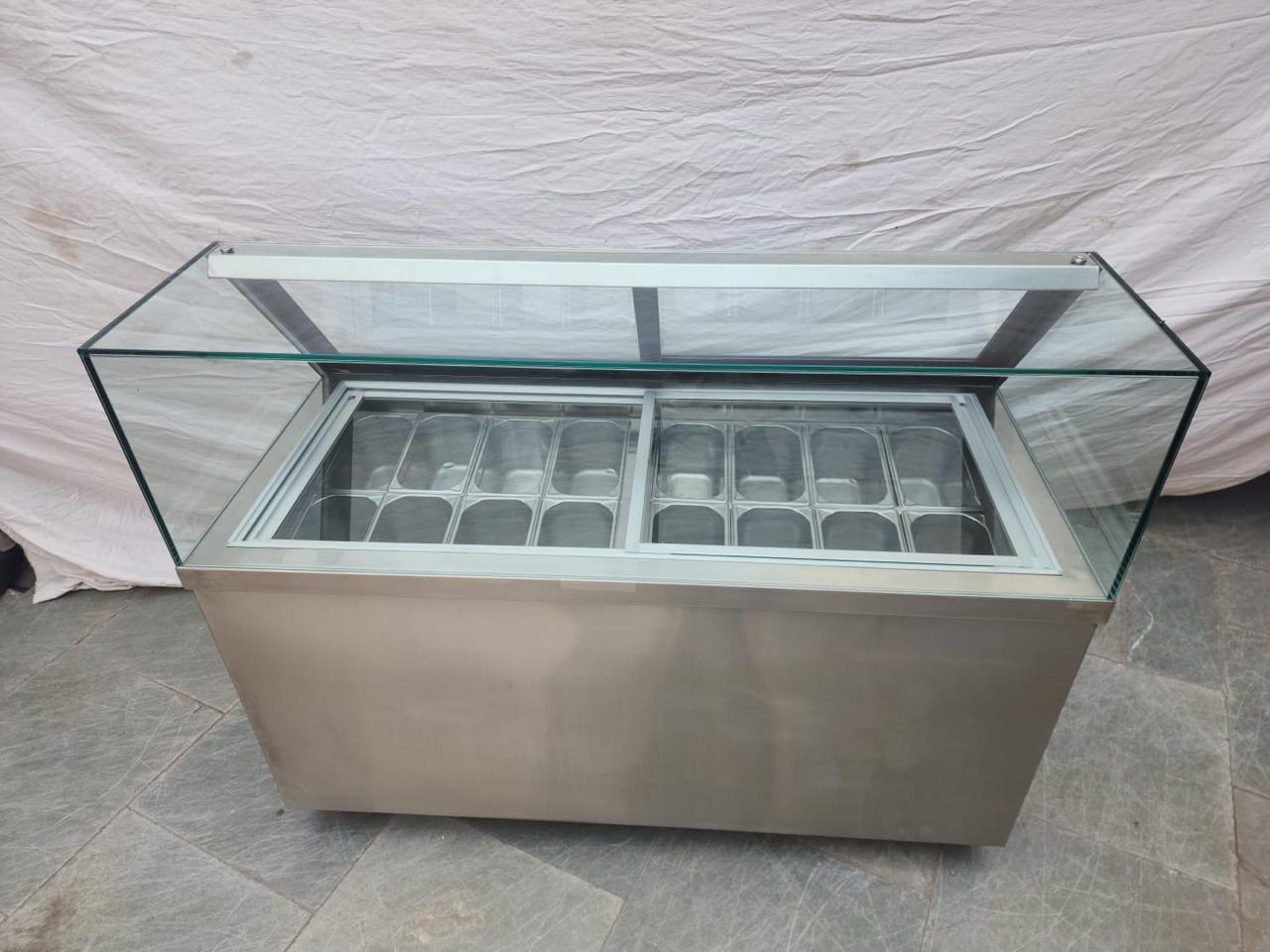 | Bakery, Cake & Confectionery Displays Vinaayak Enterprises Ice Cream Display Counter is designed for ice cream parlours, dessert shops, cafés, restaurants, hotels and other foodservice... View product → |
Frequently asked questions
How should you arrange products in a food display?
Arrange familiar, lower-priced products first, place premium products at eye level, and position quick add-ons beside the cashier.
How do you choose a counter style for faster service?
Compare each counter style for customer access, product visibility and the speed at which staff can serve and replenish it.
What capacity and temperature should a food display have?
Choose capacity and temperature from the foods you sell, including their quantities, presentation requirements and service conditions.
What hygiene features should you check in display equipment?
Prioritise surfaces, joints and components that staff can reach, clean and maintain during daily counter work.
What should a supplier brief include before purchasing a counter?
Specify customer flow, product selection, access, visibility, service speed, capacity, temperature, cleaning tasks and a practical test before purchase.
Related products
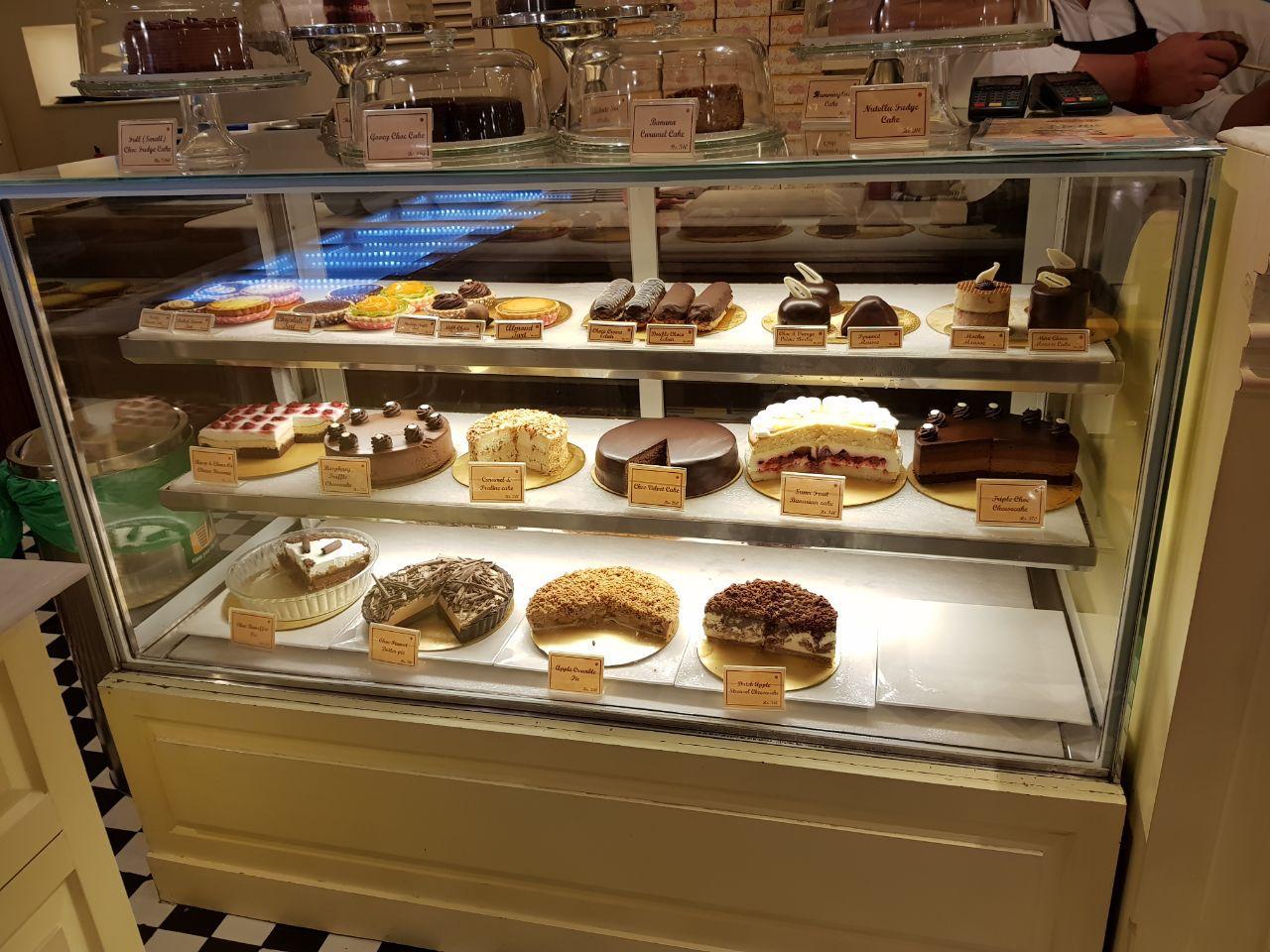 | Bakery, Cake & Confectionery Displays Commercial Bakery Display Counter Vinaayak Enterprises Commercial Bakery Display Counter is designed for bakeries, pastry shops, cafés, hotels, restaurants and confectionery outlets... View product → |
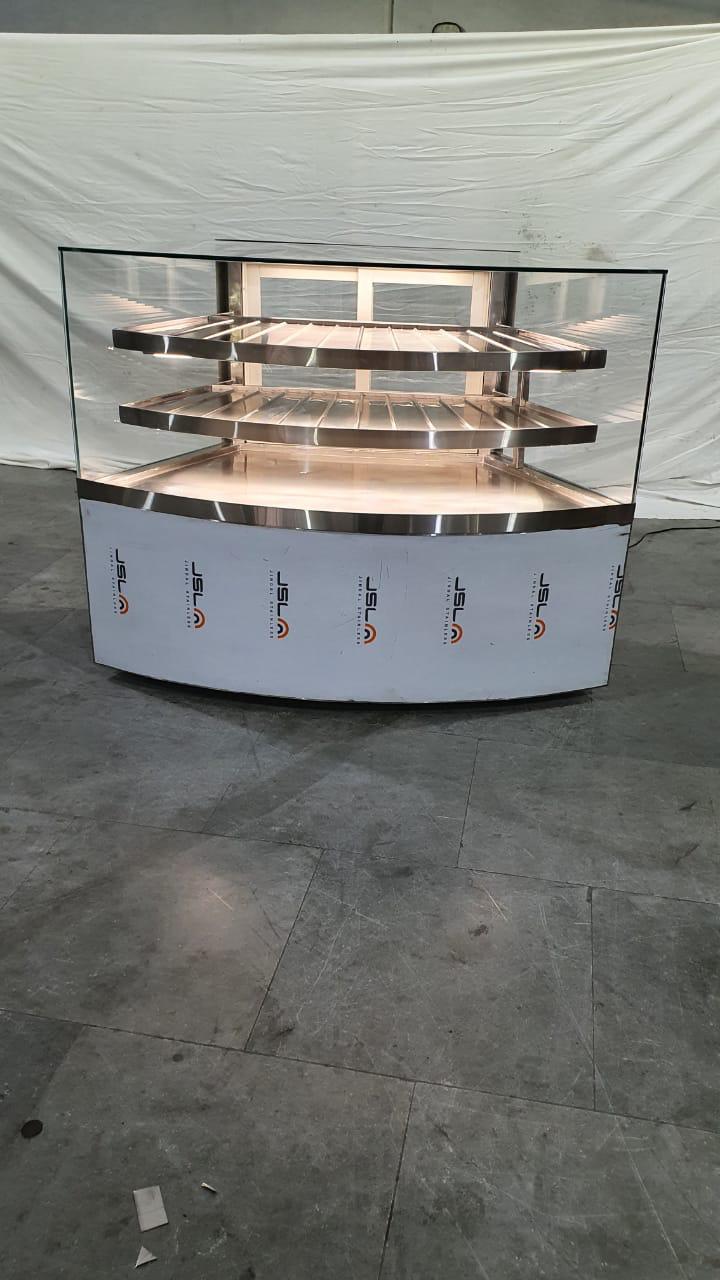 | Bakery, Cake & Confectionery Displays Vinaayak Enterprises offers premium-quality Curved Glass Bakery Display counters designed to provide an elegant and modern presentation for bakery... View product → |
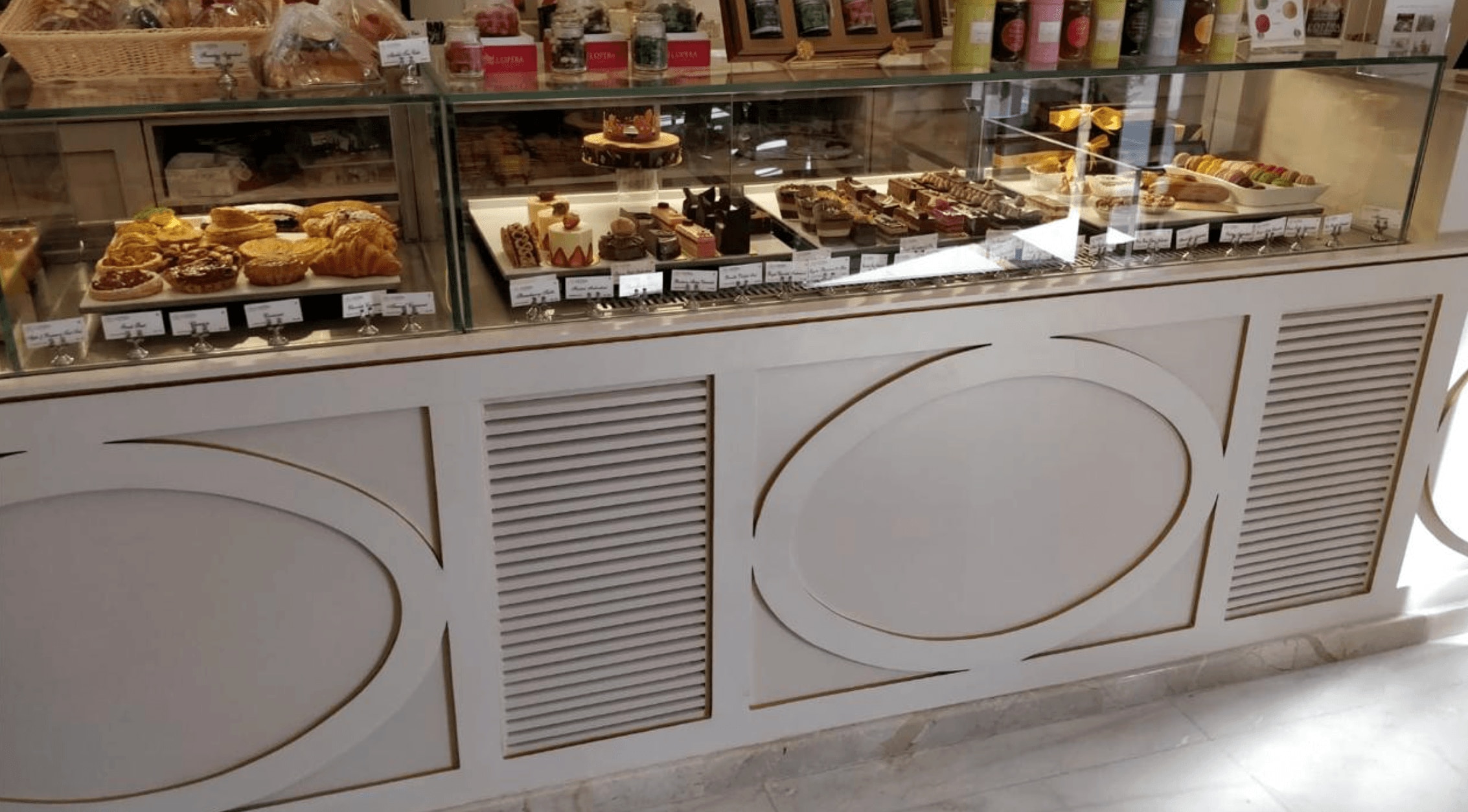 | Bakery, Cake & Confectionery Displays Jewellery Cake & Pastry Display Counter Vinaayak Enterprises Jewellery Cake & Pastry Display Counter is designed for bakeries, cake shops, pastry stores, cafés, hotels and dessert outlets... View product → |
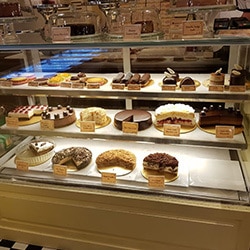 | Bakery, Cake & Confectionery Displays Vinaayak Enterprises Sweets Display Counter is designed for sweet shops, bakeries, confectionery stores, hotels, restaurants and other foodservice... View product → |